4. Login
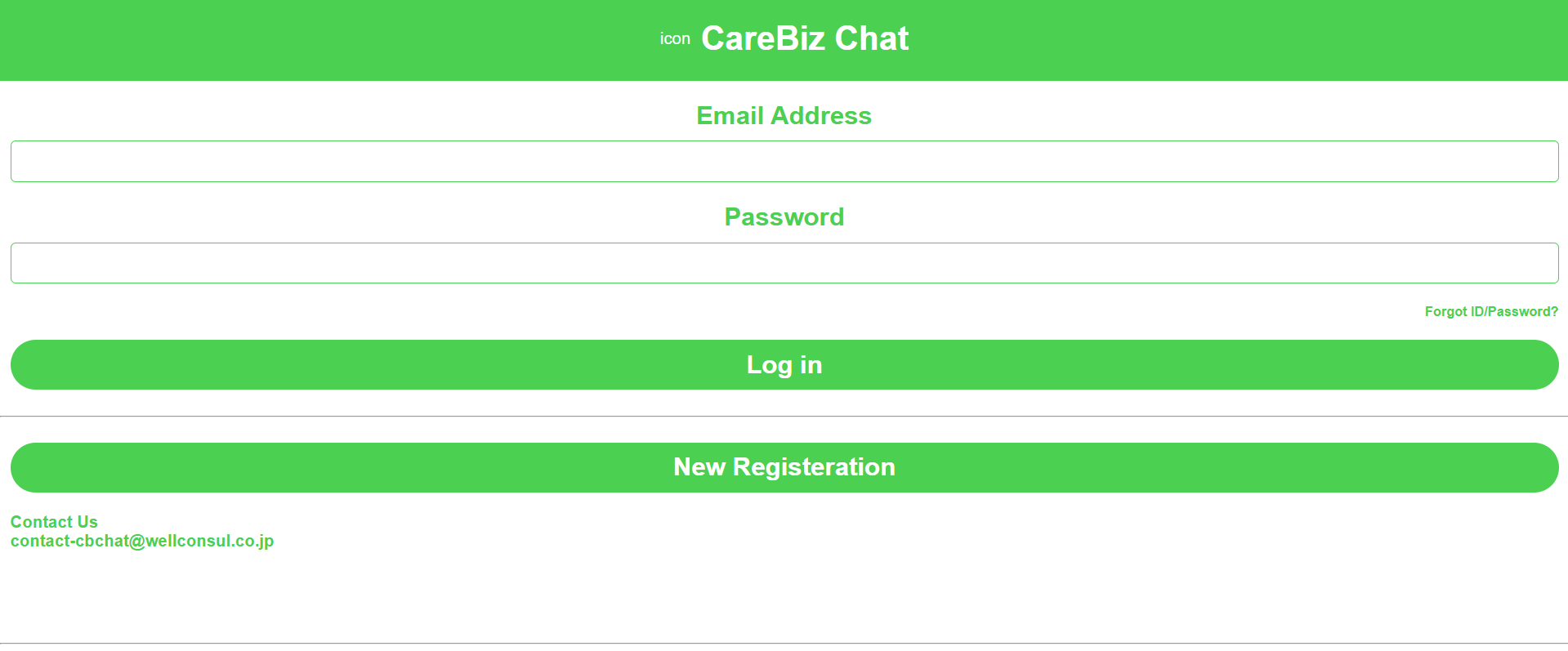
For this section, we assume that you are using CareBiz with unified login. This means accounts will be provided to users by an Admin, after request by the user.
Once you’re logged in, there will be four buttons at the bottom of the screen. That is the navigation bar for the site.
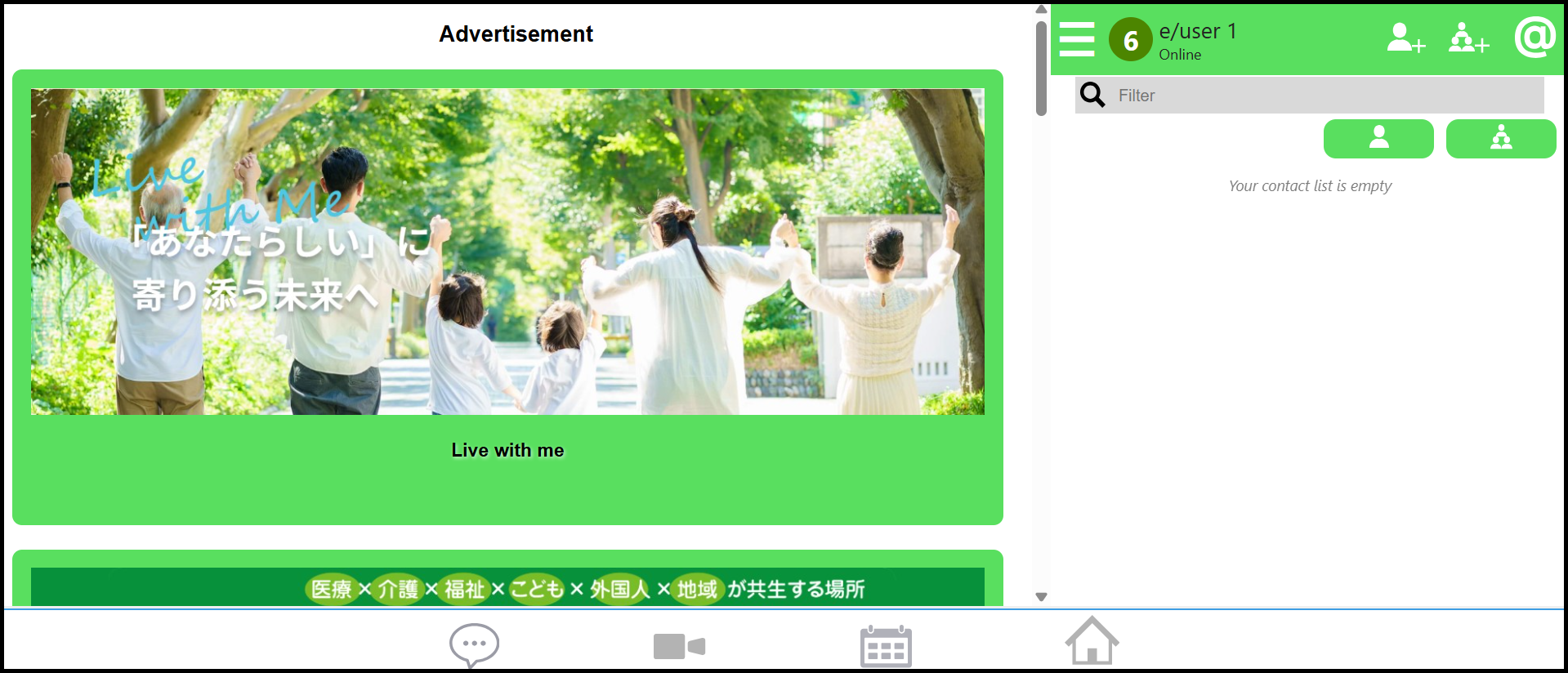
These buttons are:
Chatroom — Where you can contact your friends and other users of the site. DM them directly, or create a group and start chatting!
Video Meet — Meet and chat directly with your friends and associates. You can schedule your meeting or start one immediately!
Calendar — This is where you’ll find records of your upcoming (or passed) meetings on CareBiz!
Home Page — The current page you are viewing after logging in. Relevant site news, notices and ads are on this page!