2. Registration Account
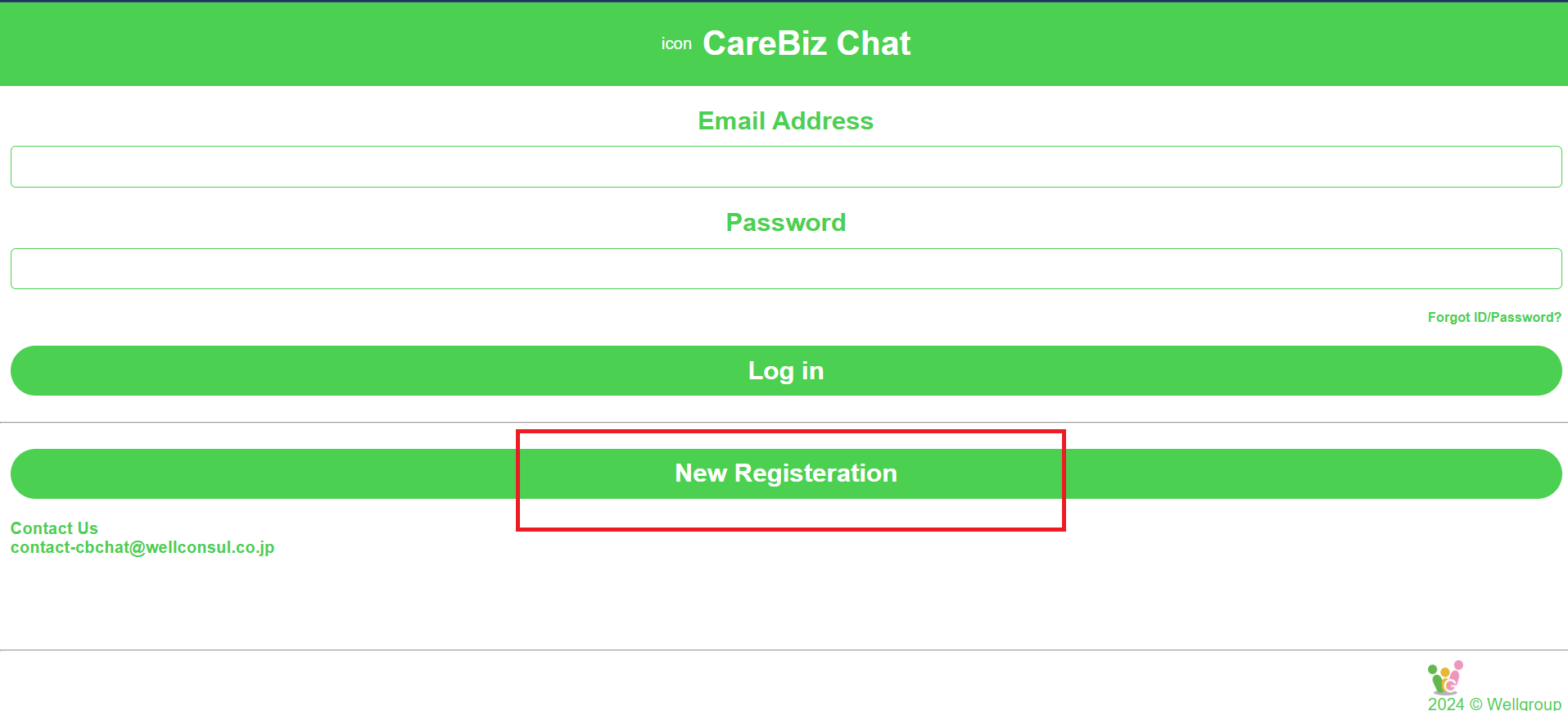
Assume that you have your own personal email to register an account on CareBiz. Click on the “New Registration” button. This will take you to the registration form.
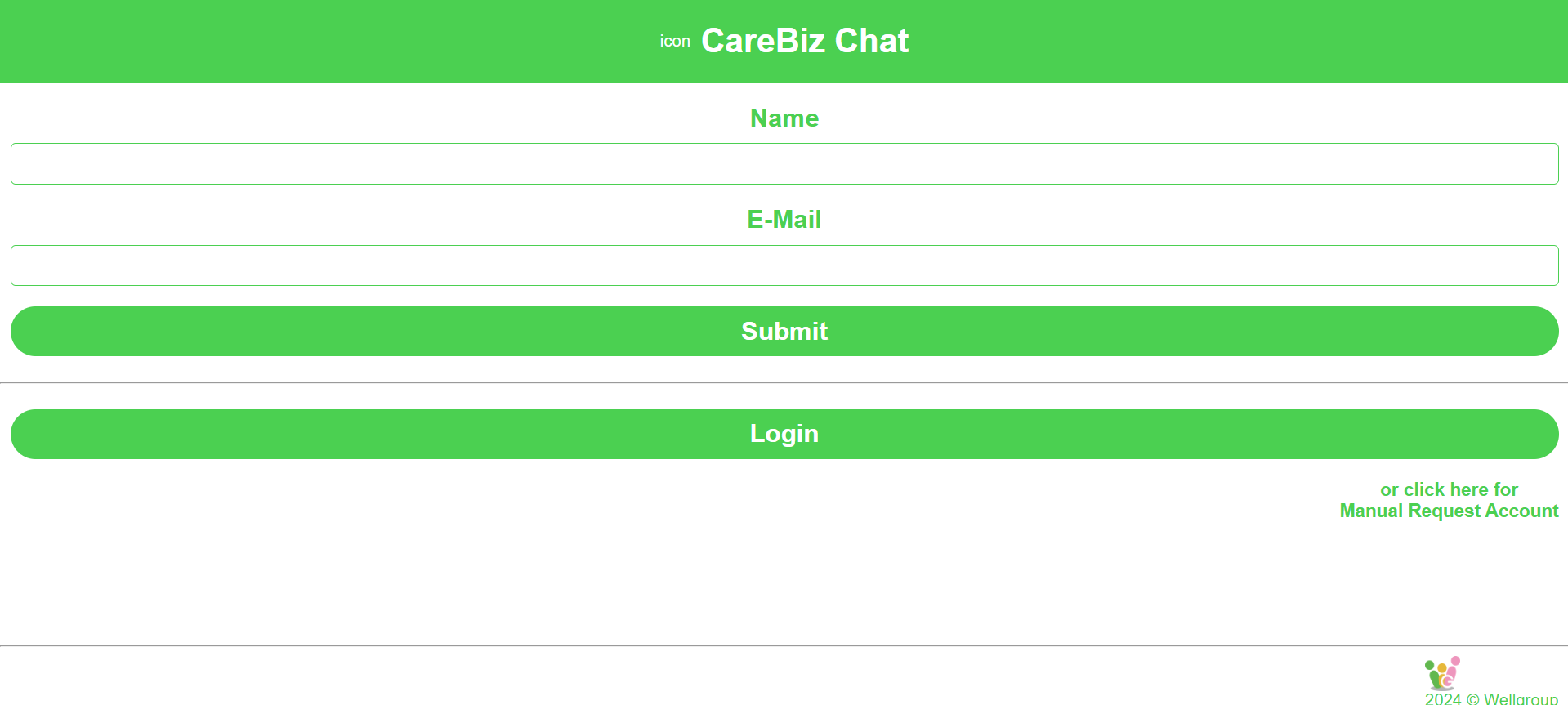
Fill out the form with your details. Make sure to provide accurate information, the required fields are “Name”, and “E-Mail”. Once you have filled out all the required fields, click on the “Submit” button.
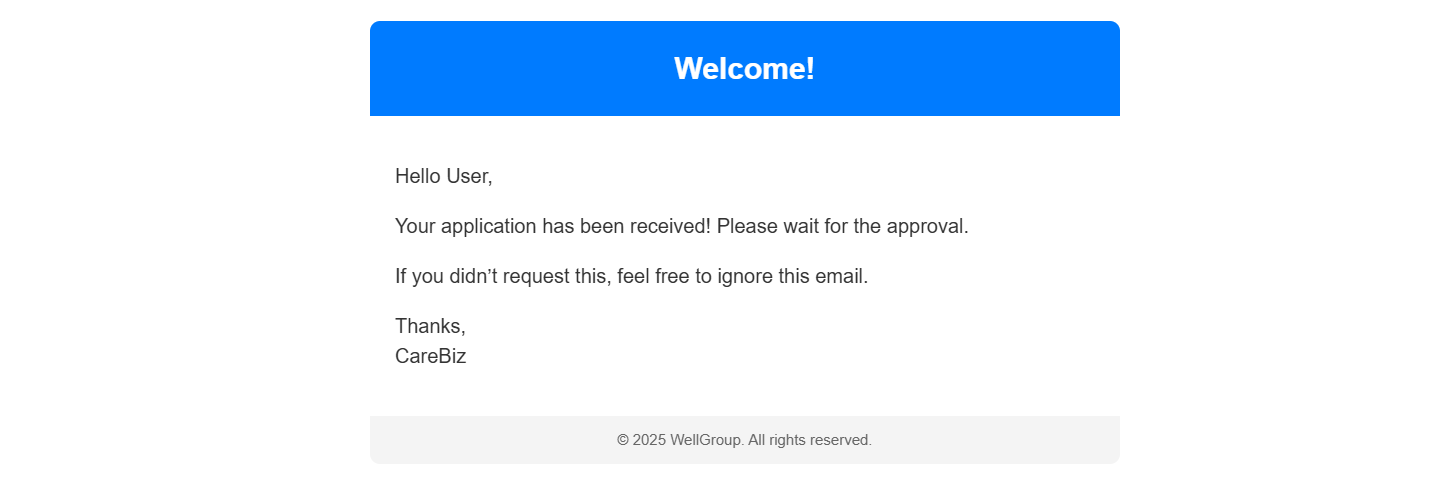
You will then receive an email that informs you your application has been submitted and wait for approval.
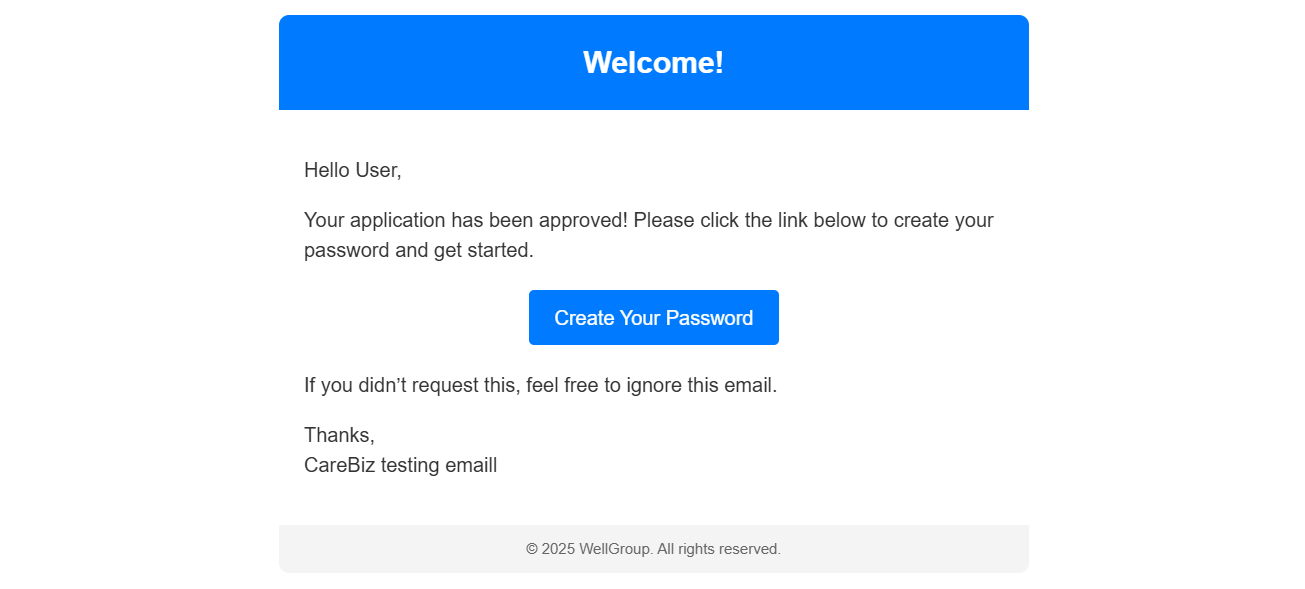
Once your application has been approved, you will receive another email with the link to set your password.

Click on the Button in the email to set your password. You will be redirected to a page where you can set your password.
After you have set your password, you can now log in to CareBiz using your email and the password you just set.
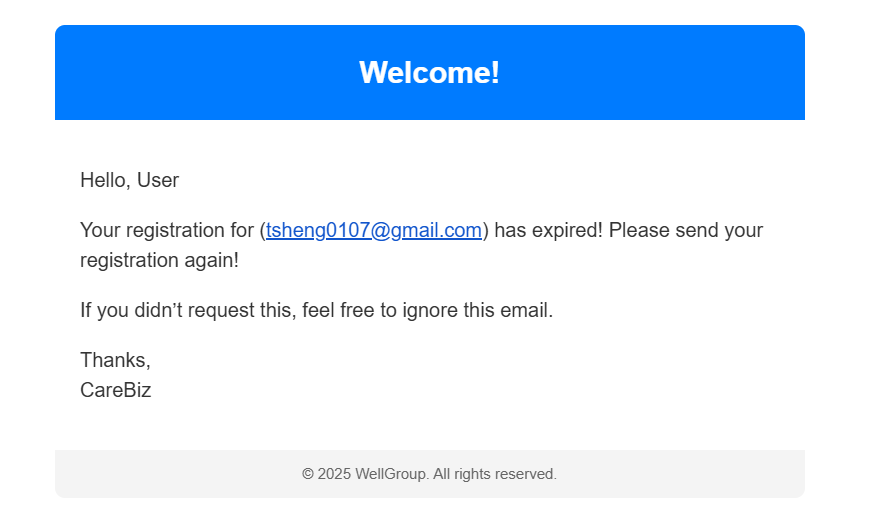
If you do not set your password within 24 hours, the link will expire. You will need to request a new registration to set your password again.