3. Manual Register
For this section, we assume that you dont have personal email, and you are registering manually. This means Manager, Supervisor, or Staff will need to fill out a registration form to create the account. The form will then be sent to an Admin, who will review your information and create your account for you.
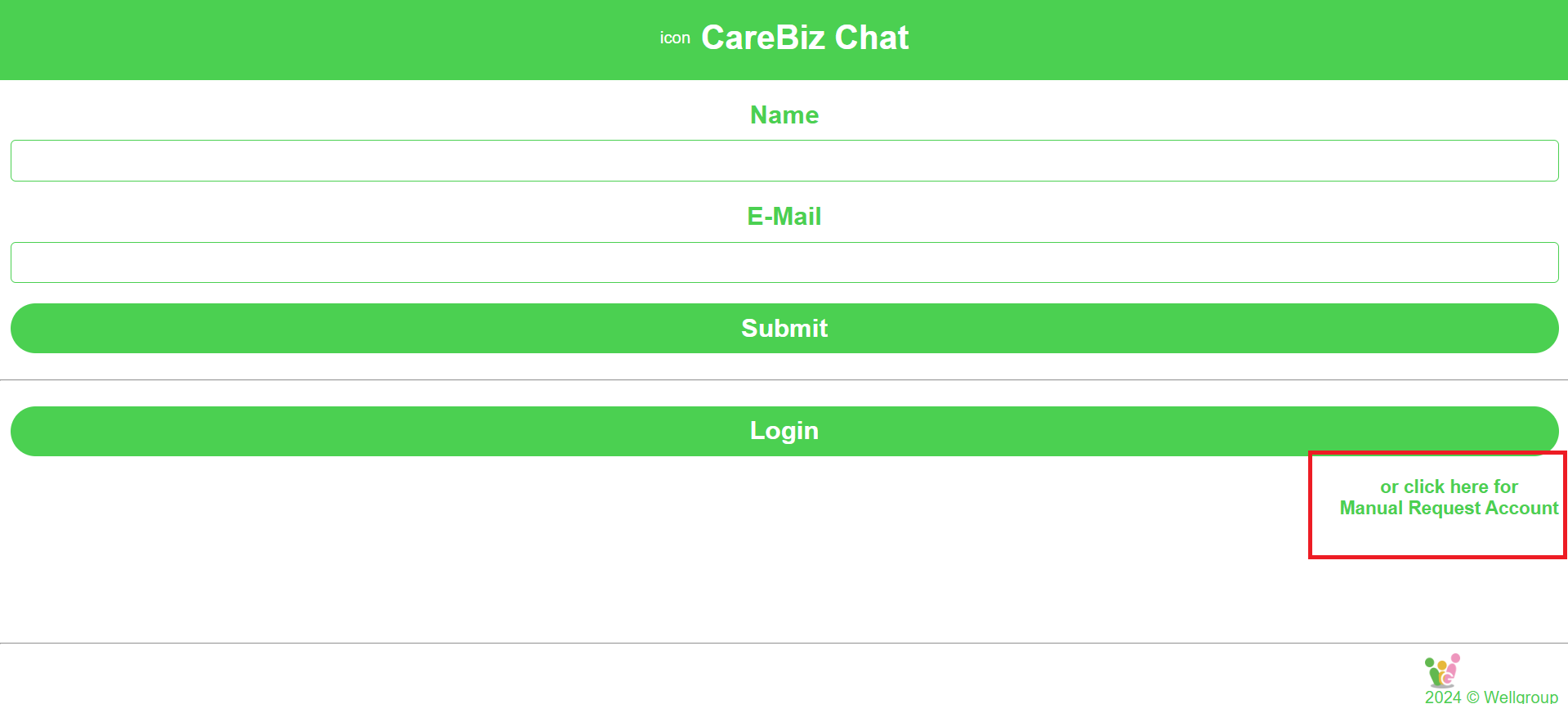
Click on the “or click here for Manual Request Account”, which is located at the bottom right of the login page. It will take you to the manual registration form.
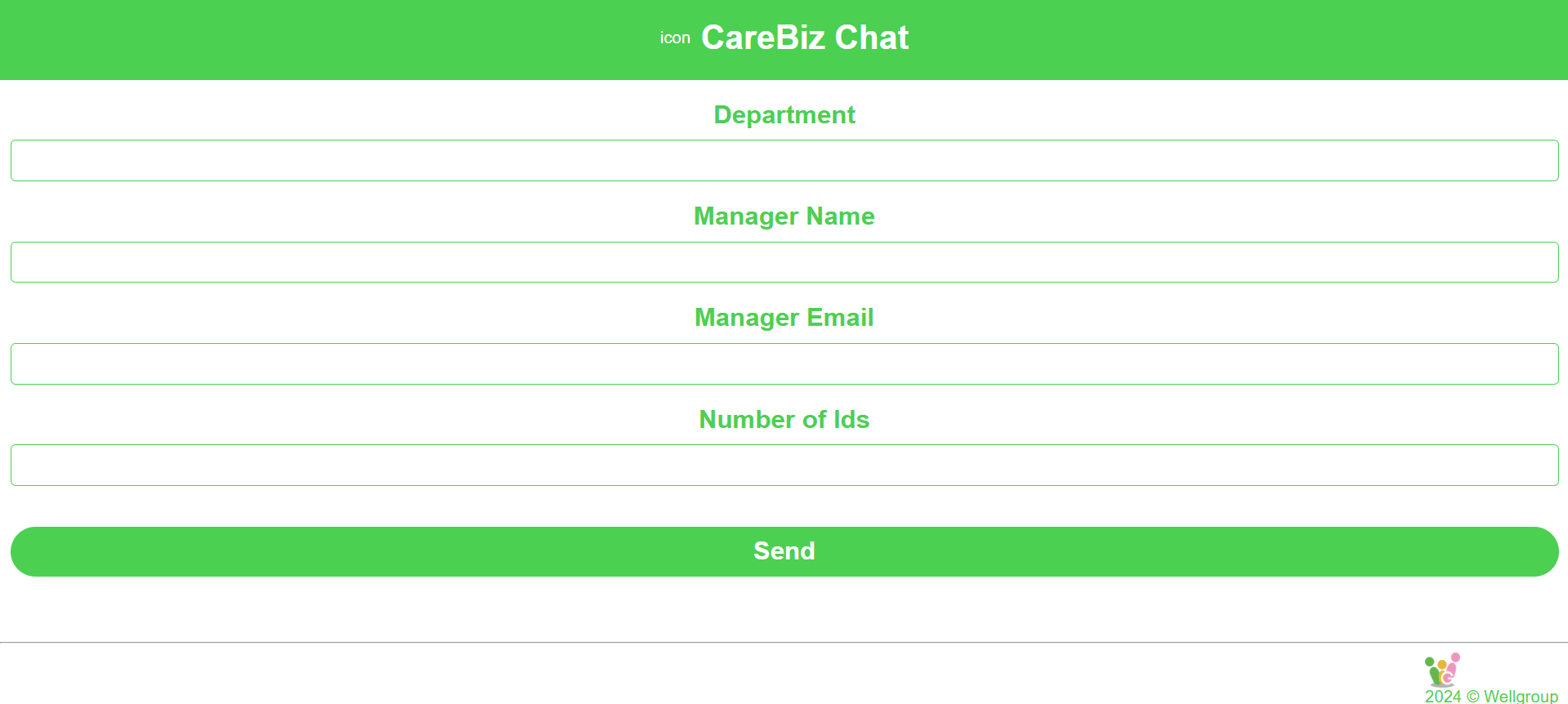
Fill out the form with your details. Make sure to provide accurate information, the required fields are “Department, Manager Name, Manager Email, and Number of IDs”.
Number of IDs is use for how many USER accounts you want to create.
These information will be used to create USER accounts. Once you have completed the form, click on the “Send” button and wait for the Admin to review your request.
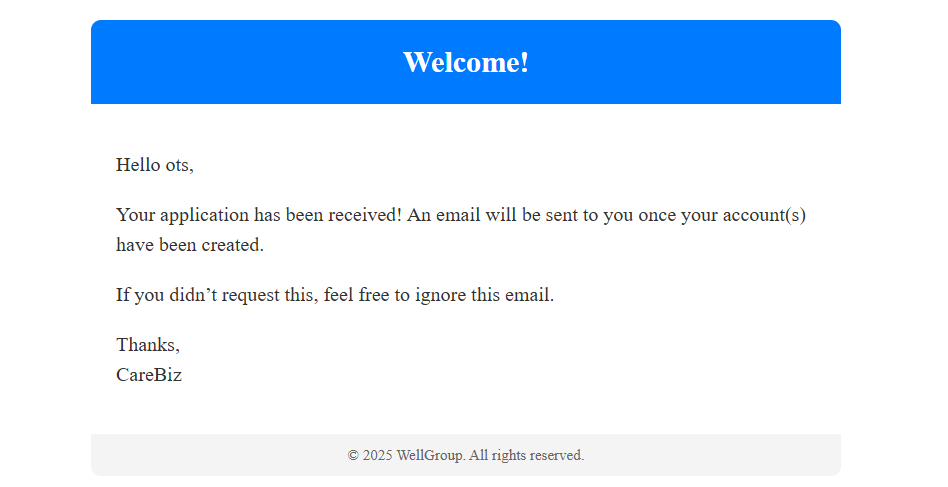
After you click on the “Send” button, your request will be sent to the Admin for review. You will receive an email once you send your request.
After the Admin has reviewed the request and created USER accounts, the Admin will send the emails and password to the manager, supervisor or staff.
These credentials can then be used to let USER log in to CareBiz.