6.9. Formatting Tools
This section provides an overview of the formatting tools available in CareBiz. These tools are designed to help you format your text, making it easier to read and understand.
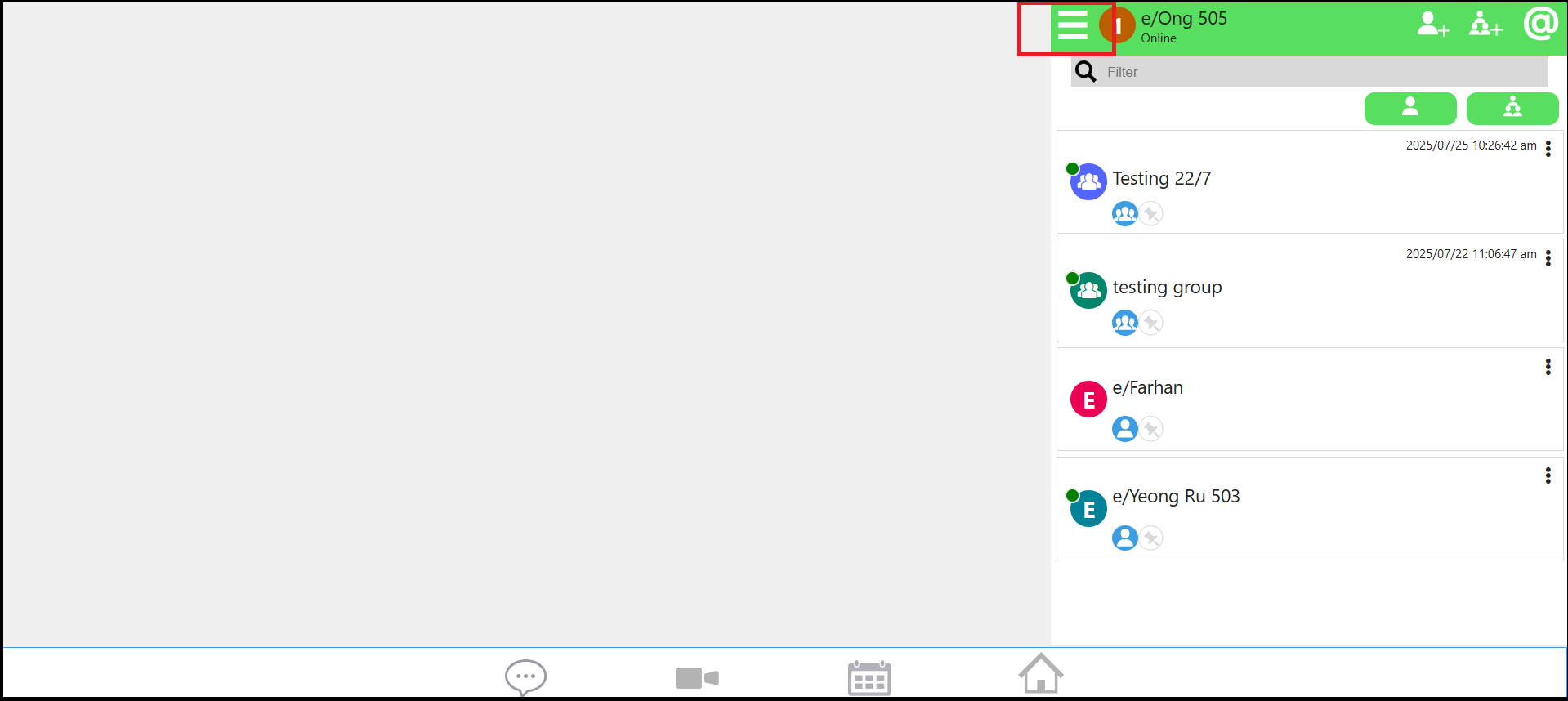
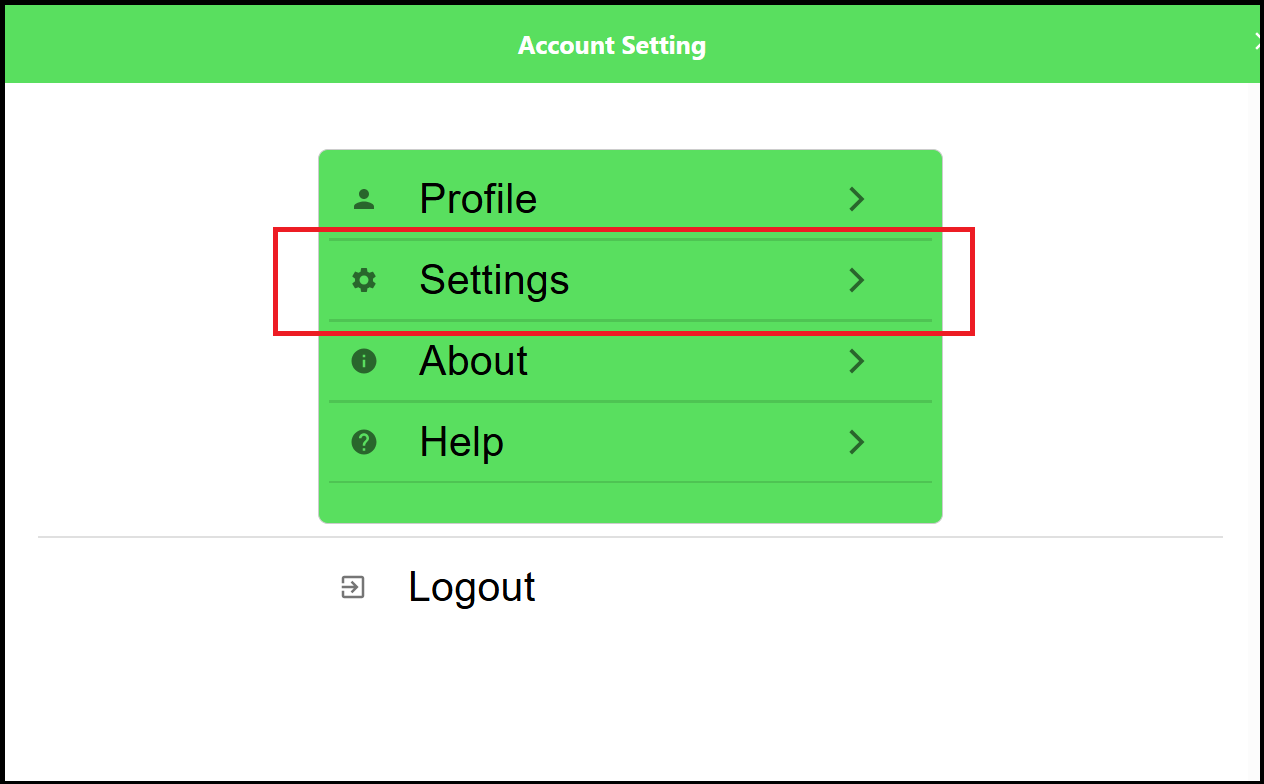
First, go to the setting page to enable the formatting tools.
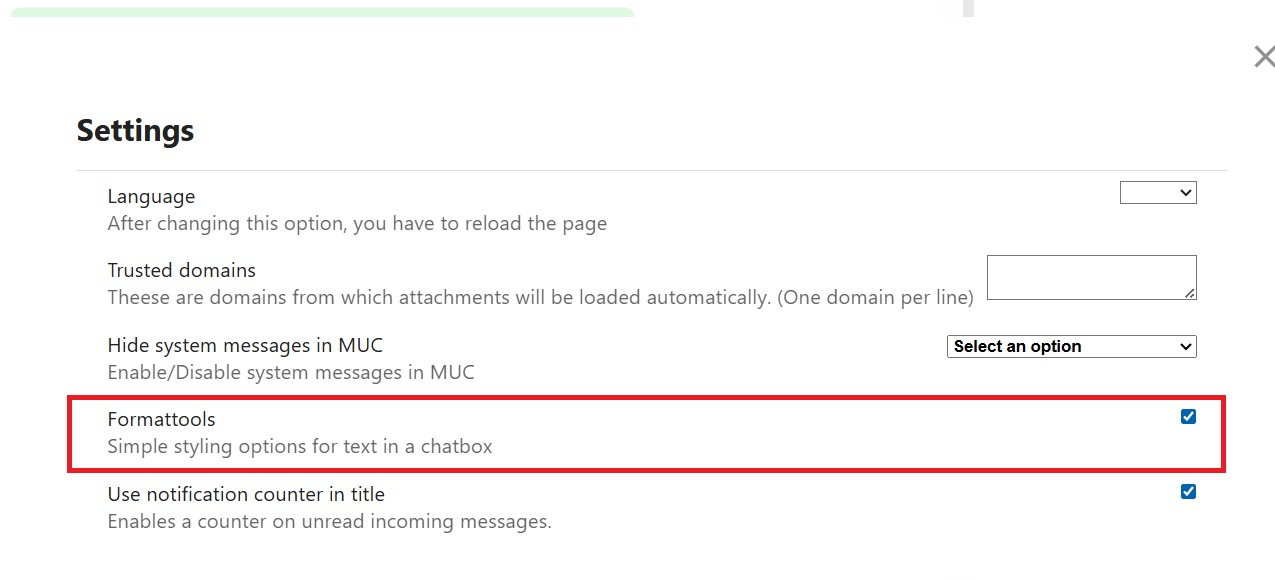
Once you have enabled the formatting tools, you will see a toolbar with various formatting options when composing a message.

You can use these tools to format your text, such as making it bold, italic, code block, strikethrough, help, or disable formatting tools.
Please make sure to use proper opening and closing syntax for all Markdown formatting tools.
6.9.1. Bold


Bold: Makes the selected text bold.
6.9.2. Italic


Italic: Makes the selected text italic.
6.9.3. Code Block


Code Block: Formats the selected text as a code block.
6.9.4. Strikethrough


Strikethrough: Strikes through the selected text.
6.9.5. Help


Help: Provides help information about the formatting tools.
6.9.6. Disable Formatting Tools


Disable Formatting Tools: Disables the formatting tools.