6.8. Reply Message
This section will guide you through the process of replying a message in CareBiz. To reply a message, first, navigate to the chat room where the message you want to reply is located.
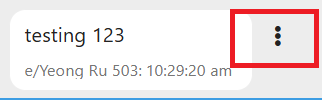
Once you are in the chat room, find the message you wish to reply to. Click on the Three Vertical Dots button next to the message.
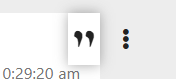
You will see a “ ” “ option. Click on it. Then the message you want to reply will appear at the top of the chat box.

You can type anything to reply to the message.
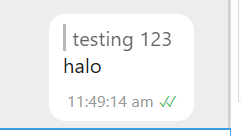
After you have typed your reply, click the “Send” button to send your reply. You will see your reply message with the original message quoted in the chat room.