6.7. Delete Message
This section will guide you through the process of deleting a message in CareBiz. To delete a message, first, navigate to the chat room where the message you want to delete is located.
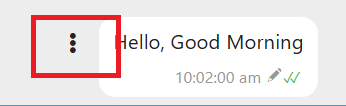
Once you are in the chat room, find the message you wish to delete. Click on the Three Vertical Dots button next to the message.
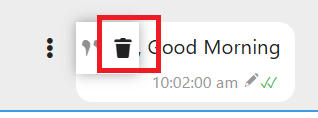
You will see a menu with several options. Click on the “🗑️” icon option. The message will delete directly.
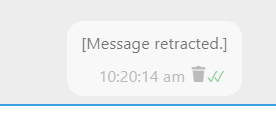
After you make the deletion, the message will showing “Message Retracted”.