6.4. Calendar
The calendar is your go-to timeline and reminder for CareBiz related meetings.
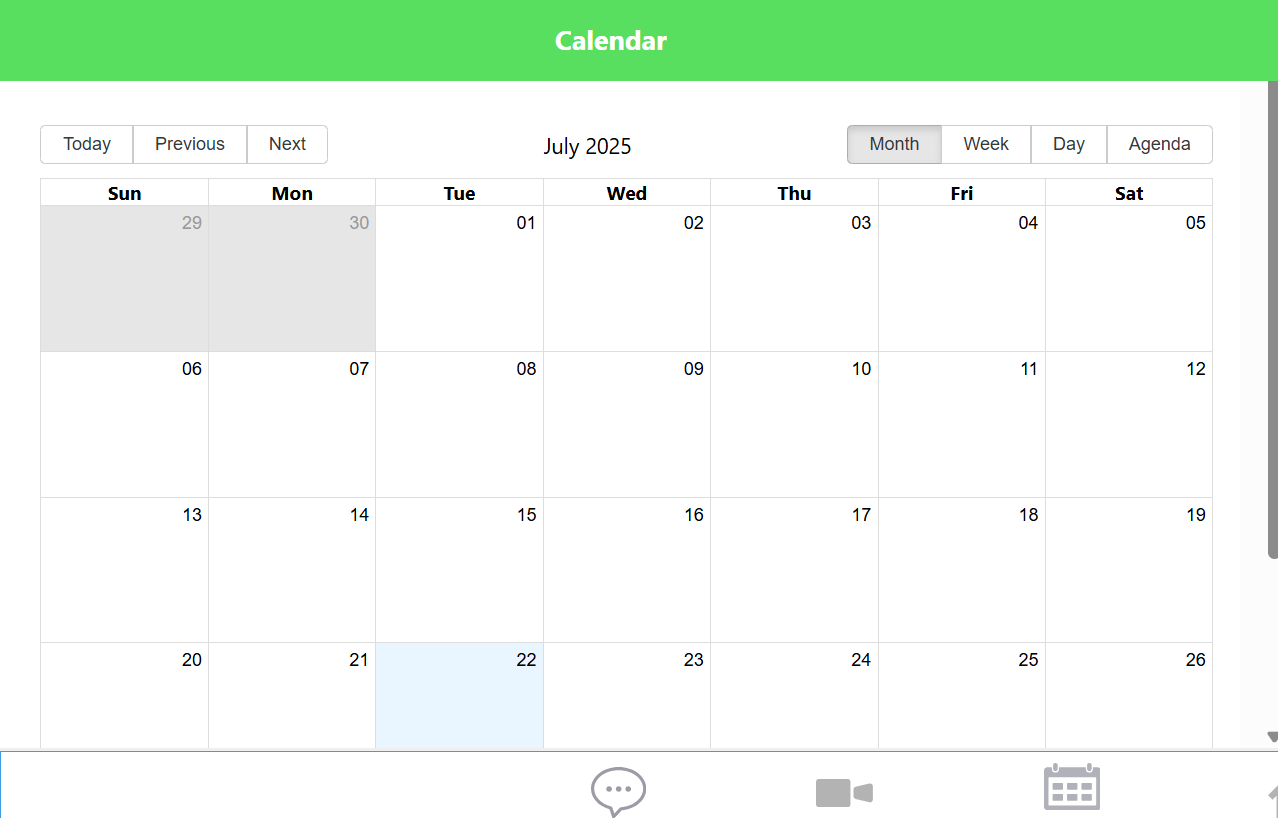
Click on the calendar icon in the middle of the navigation bar, and you’ll see a month-based account of all future and past meetings held with your account.
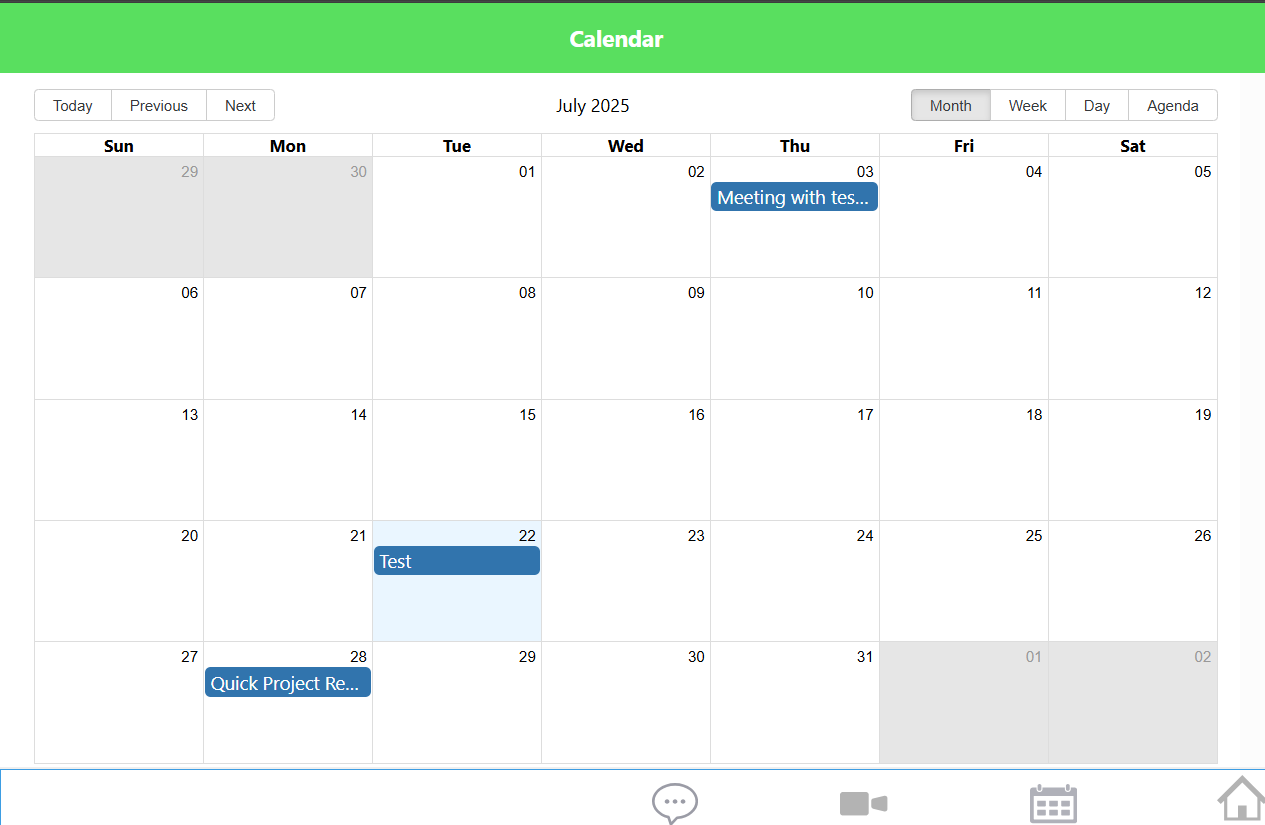
Create (or be invited to) a meeting through the video camera icon for them to appear in your calendar.
Navigate through your past or future meetings by clicking on the navigation buttons at the top left.
Only the meeting organizers (aka employees) are able to edit or cancel the meeting at any moment.
You can join the meeting room of any inside your calendar at any time you like. For guidance on how to create a meeting, please refer to the Web Meeting section.