6.6. Edit Message
This section will guide you through the process of editing a message in CareBiz. To edit a message, first, navigate to the chat room where the message you want to edit is located.
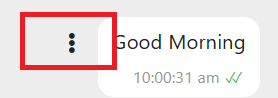
Once you are in the chat room, find the message you wish to edit. Click on the Three Vertical Dots button next to the message.
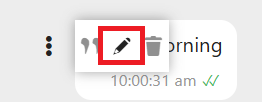
You will see a menu with several options. Click on the “✏️” icon option. Then a text box will appear with the current message content.

You can now modify the message as needed.
Only the newest message can be edited. If you want to edit an older message, you will need to delete it and send a new one.
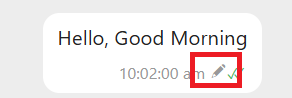
After you have made your changes, click on the “Send” button to save the edited message. The message will be updated in the chat room with a “✏️” indicating that it has been edited.